Which image model should you run on a 16 GB card? I gave nine of them the same prompt and the same seed on my RTX 5060 Ti 16 GB (32 GB RAM, ComfyUI 0.38.1) and timed each one. Here is what came out, how long it took and what the licence lets you do.
Same prompt, same seed
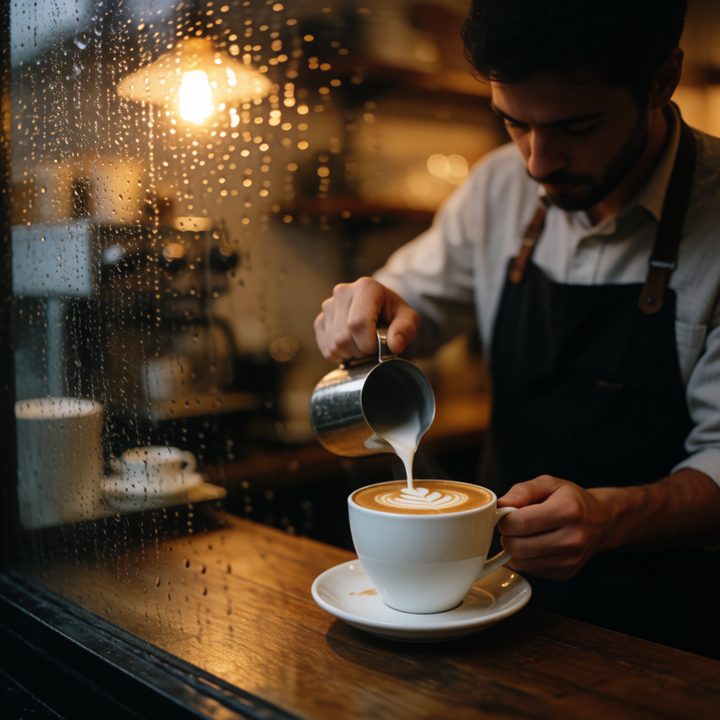
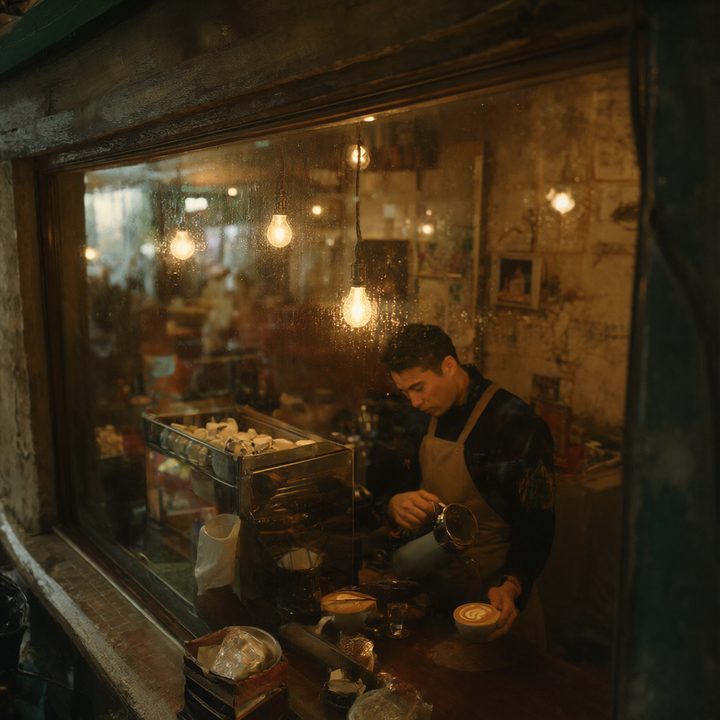
Prompt: “a cozy coffee shop on a rainy evening, warm light through the window, a barista pouring latte art, film photo, shallow depth of field”. Ming-Image got a poster prompt, because it is a design model. Seed 42, no cherry-picking, sorted fastest first.



![FLUX.1 [schnell] test image](/workflows/img/flux1-schnell-gguf-q8.jpg)
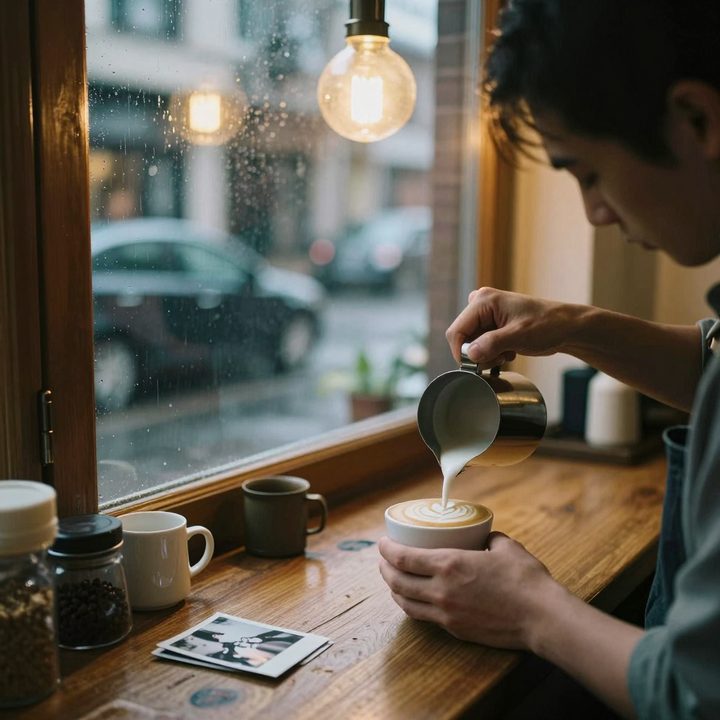
![FLUX.1 [dev] test image](/workflows/img/flux1-dev-fp8.jpg)
![FLUX.1 [dev] test image](/workflows/img/flux1-dev-gguf-q8.jpg)
Speed, memory and licence
| Model and file | Per image | Peak VRAM | Licence | Good for | |
|---|---|---|---|---|---|
| FLUX.2 klein 4B FP8 | 2.9 s | 12.2 GB | Open | Speed. Trying many prompts fast. | Workflow → |
| Ming-Image INT8 | 7.4 s | 13.6 GB | Open | Posters, logos and text in images. | Workflow → |
| FLUX.2 klein 9B GGUF Q8_0 | 8.5 s | 13.5 GB | Non-commercial | Bigger klein; non-commercial licence. | Workflow → |
| FLUX.1 schnell GGUF Q8_0 | 9.4 s | 15.1 GB | Open | Quick drafts with an open licence. | Workflow → |
| Krea 2 INT8 | 10.9 s | 15.3 GB | Conditions | Photo-like images in 8 steps. | Workflow → |
| Z-Image Turbo 16-bit | 11.0 s | 14.6 GB | Open | Photo-like images with an open licence. | Workflow → |
| Qwen-Image 2.1 INT8 | 17.2 s | 14.3 GB | Non-commercial | Text-to-image and editing in one; transparent PNGs. | Workflow → |
| FLUX.1 dev FP8 | 36.4 s | 14.8 GB | Non-commercial | Huge LoRA library; the classic. | Workflow → |
| FLUX.1 dev GGUF Q8_0 | 40.6 s | 15.1 GB | Non-commercial | Same as FP8, for cards without FP8. | Workflow → |
1024×1024, each model at its usual step count, average of 2–3 runs after a warm-up. Peak VRAM is the whole card. Licence: Open = Apache-2.0 or MIT; Conditions = custom licence that allows commercial use with conditions; Non-commercial = the model itself is for non-commercial use. Details: licences of all models.
Which one to pick
- You want speed: FLUX.2 klein 4B — 2.9 seconds per image. Fast enough to try prompts almost live.
- You sell your images (stock sites, client work): start with the models under an open licence — FLUX.2 klein 4B, Ming-Image, FLUX.1 schnell, Z-Image Turbo. Also check the rules of the site you sell on; most stock sites have their own rules for AI images.
- Text, posters, logos: Ming-Image is made for it and wrote “Summit Brew” cleanly. It needs a lot of system RAM: 28 GB of my 32 GB.
- Editing and transparent images: Qwen-Image 2.1 does text-to-image and editing in one model and can output transparent PNGs. Take the INT8 file — it was 2.5× faster than the GGUF. Its licence is non-commercial.
- LoRAs: FLUX.1 [dev] still has by far the most LoRAs, but it is the slowest here and its licence is non-commercial for the model itself.
Smaller card?
On 8 or 12 GB most of these still run with a smaller GGUF file. Check your GPU to see the exact file for each model, or read 12 GB vs 16 GB.
Every workflow above is free: download them here. All timings: everything on the RTX 5060 Ti 16 GB.