Download all 12 workflows (.zip, 32 KB)
Same prompt, same seed, 9 models
What each workflow makes out of the box, straight from my test runs (seed 42, no cherry-picking). Ming-Image gets a poster prompt, because that is what it is made for.
![FLUX.1 [dev] sample image: a cozy coffee shop on a rainy evening, warm light through the window, a barista pouring latte art, film photo, shallow depth of field](/workflows/img/flux1-dev-fp8.jpg)
36.4 s / image
![FLUX.1 [dev] sample image: a cozy coffee shop on a rainy evening, warm light through the window, a barista pouring latte art, film photo, shallow depth of field](/workflows/img/flux1-dev-gguf-q8.jpg)
40.6 s / image
![FLUX.1 [schnell] sample image: a cozy coffee shop on a rainy evening, warm light through the window, a barista pouring latte art, film photo, shallow depth of field](/workflows/img/flux1-schnell-gguf-q8.jpg)
9.4 s / image
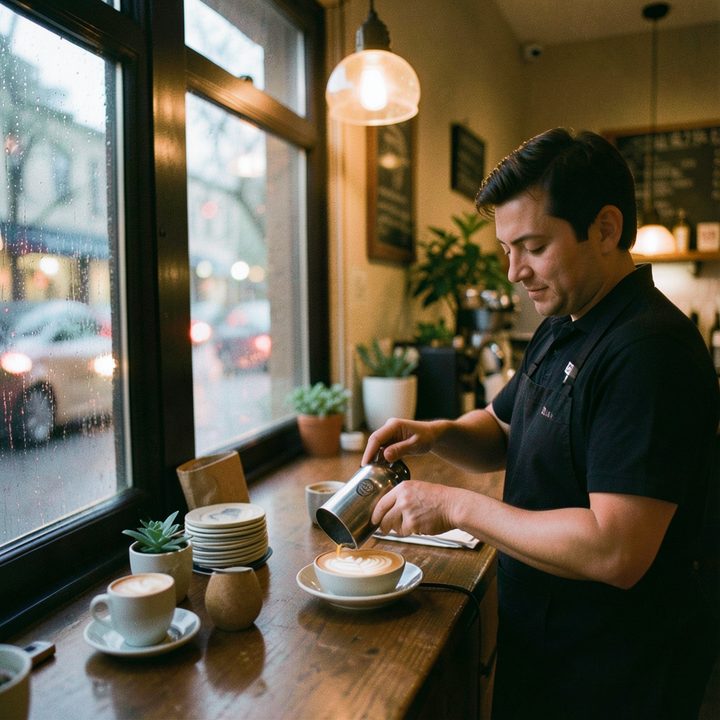
2.9 s / image

8.5 s / image
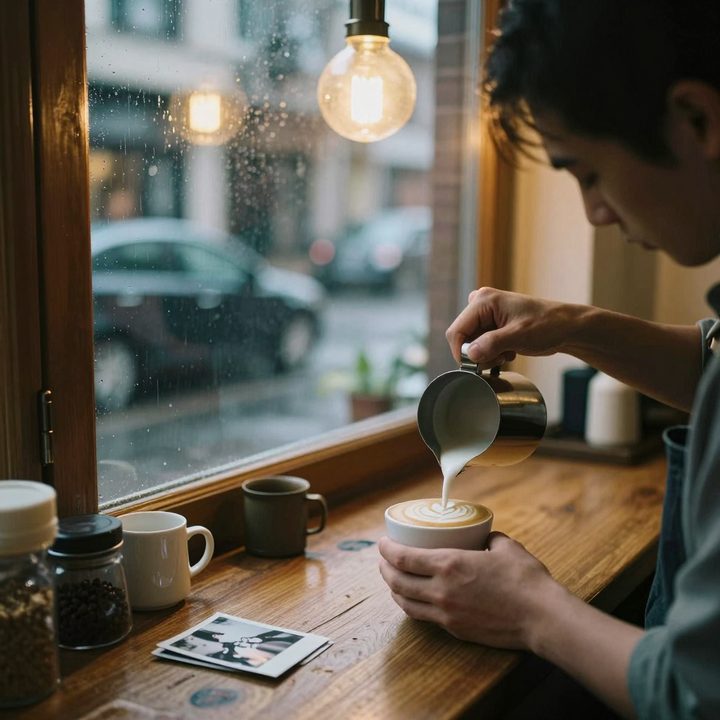
11.0 s / image
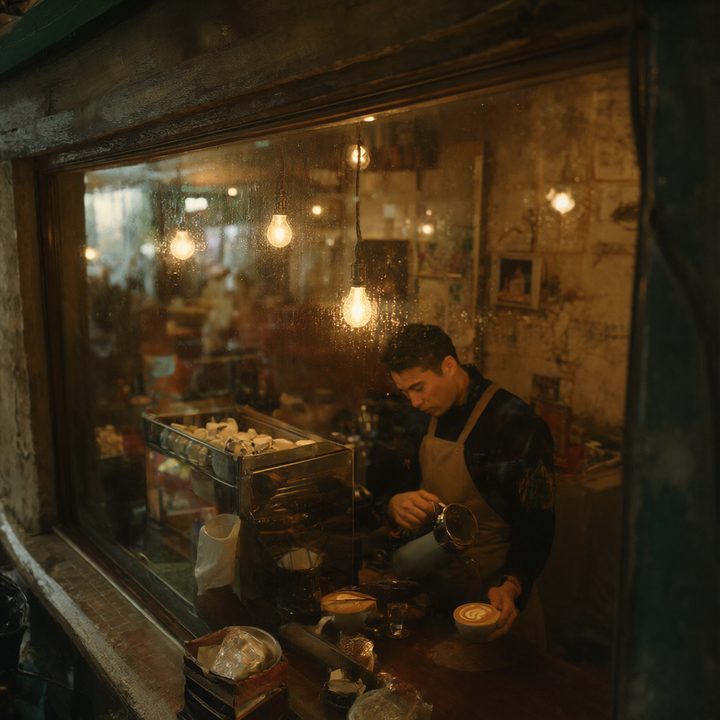
17.2 s / image
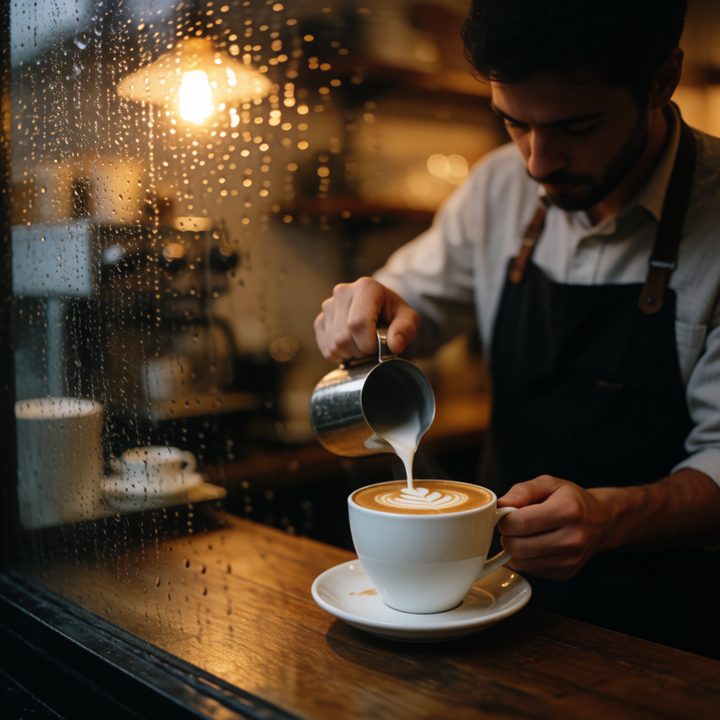
10.9 s / image

7.4 s / image
Video: one frame from each test clip
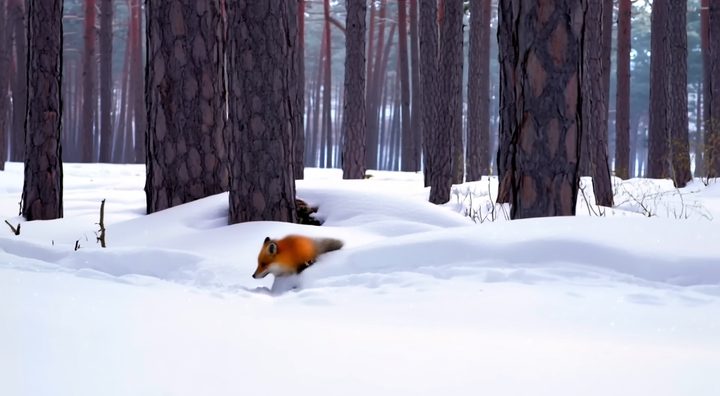
9 min for a 121-frame 1280×704 clip
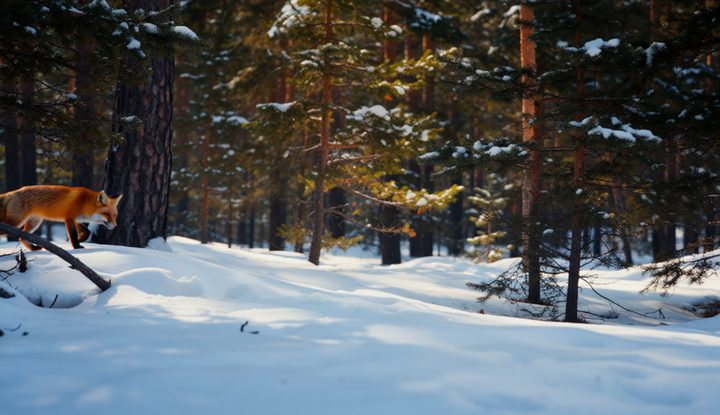
19 min for an 81-frame 832×480 clip
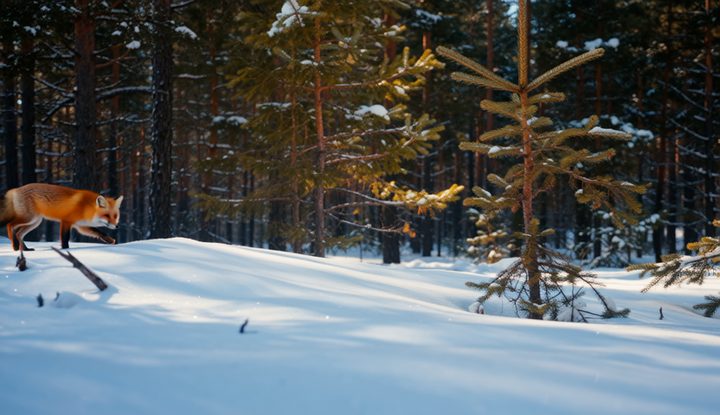
26 min for an 81-frame 832×480 clip
How to use them
- Download a
.jsonfile below, or the zip with all of them. - Drag it into the ComfyUI window. The workflow opens with a READ ME note on the left.
- The note lists each file with a download link and the folder it goes in (
ComfyUI/models/diffusion_models,text_encodersorvae). Download them, then press R in ComfyUI to refresh the file lists. - GGUF workflows need the ComfyUI-GGUF custom node: open Manager → Custom Nodes Manager, search “ComfyUI-GGUF”, install, restart.
- Qwen-Image 2.1, Krea 2 and Ming-Image need ComfyUI 0.38 or newer.
Not sure a model fits your card? Check your GPU first. These workflows use the file that runs best on a 16 GB card; on a smaller card, take the smaller GGUF the check page suggests and pick it in the loader node.
The workflows
| Model and file | Measured on RTX 5060 Ti 16 GB | Peak VRAM | Download size | |
|---|---|---|---|---|
| FLUX.1 [dev] FP8 4 filesflux1-dev-fp8-e4m3fn.safetensorst5xxl_fp8_e4m3fn.safetensors clip_l.safetensors ae.safetensors | 36.4 s per 1024×1024 image | 14.8 GB | 17.4 GB | Download .json |
| FLUX.1 [dev] GGUF Q8_0 4 filesflux1-dev-Q8_0.gguft5xxl_fp8_e4m3fn.safetensors clip_l.safetensors ae.safetensors | 40.6 s per 1024×1024 image | 15.1 GB | 18.2 GB | Download .json |
| FLUX.1 [schnell] GGUF Q8_0 4 filesflux1-schnell-Q8_0.gguft5xxl_fp8_e4m3fn.safetensors clip_l.safetensors ae.safetensors | 9.4 s per 1024×1024 image | 15.1 GB | 18.2 GB | Download .json |
| FLUX.2 klein 4B FP8 3 filesflux-2-klein-4b-fp8.safetensorsqwen_3_4b_fp8_mixed.safetensors flux2-vae.safetensors | 2.9 s per 1024×1024 image | 12.2 GB | 10.0 GB | Download .json |
| FLUX.2 klein 9B GGUF Q8_0 3 filesflux-2-klein-9b-Q8_0.ggufqwen_3_8b_fp8mixed.safetensors flux2-vae.safetensors | 8.5 s per 1024×1024 image | 13.5 GB | 19.0 GB | Download .json |
| Z-Image Turbo 16-bit 3 filesz_image_turbo_bf16.safetensorsqwen_3_4b_fp8_mixed.safetensors ae.safetensors | 11.0 s per 1024×1024 image | 14.6 GB | 18.3 GB | Download .json |
| Qwen-Image 2.1 INT8 3 filesqwen_image_2.1_int8_convrot.safetensorsqwen3vl_8b_int8_convrot.safetensors qwen_image_2.1_vae_bf16.safetensors | 17.2 s per 1024×1024 image | 14.3 GB | 17.3 GB | Download .json |
| Krea 2 Turbo INT8 3 fileskrea2_turbo_int8_convrot.safetensorsqwen3vl_4b_fp8_scaled.safetensors qwen_image_vae.safetensors | 10.9 s per 1024×1024 image | 15.3 GB | 19.0 GB | Download .json |
| Ming-Image 0.1 Design INT8 3 filesming_image_0.1_design_int8_convrot.safetensorsming_image_0.1_ling_mini_2.0_int8_convrot.safetensors ming_image_vae_bf16.safetensors | 7.4 s per 1024×1024 image | 13.6 GB | 25.9 GB | Download .json |
| Wan 2.2 TI2V 5B text to video 3 fileswan2.2_ti2v_5B_fp16.safetensorsumt5_xxl_fp8_e4m3fn_scaled.safetensors wan2.2_vae.safetensors | 9 min for a 121-frame 1280×704 clip | 11.0 GB | 18.2 GB | Download .json |
| Wan 2.2 T2V 14B FP8 4 fileswan2.2_t2v_high_noise_14B_fp8_scaled.safetensorswan2.2_t2v_low_noise_14B_fp8_scaled.safetensors umt5_xxl_fp8_e4m3fn_scaled.safetensors wan_2.1_vae.safetensors | 19 min for an 81-frame 832×480 clip | 13.3 GB | 35.6 GB | Download .json |
| Wan 2.2 T2V 14B GGUF Q5_K_M 4 filesWan2.2-T2V-A14B-HighNoise-Q5_K_M.ggufWan2.2-T2V-A14B-LowNoise-Q5_K_M.gguf umt5_xxl_fp8_e4m3fn_scaled.safetensors wan_2.1_vae.safetensors | 26 min for an 81-frame 832×480 clip | 14.0 GB | 28.6 GB | Download .json |
Times are from my own runs with default ComfyUI settings: the average of 2–3 runs after a warm-up, sampling plus VAE decode. Video times include loading both Wan 2.2 14B experts. Peak VRAM is the memory in use on the whole card. Every number: measured results and the RTX 5060 Ti 16 GB guide.
Licence
The workflow files are free to use, change and share, including commercially. A link back is appreciated. The models have their own licences — FLUX.1 [dev] and FLUX.2 klein 9B, for example, are non-commercial; check each model page.